
How to Create Custom Products with Printify in 5 Easy Steps
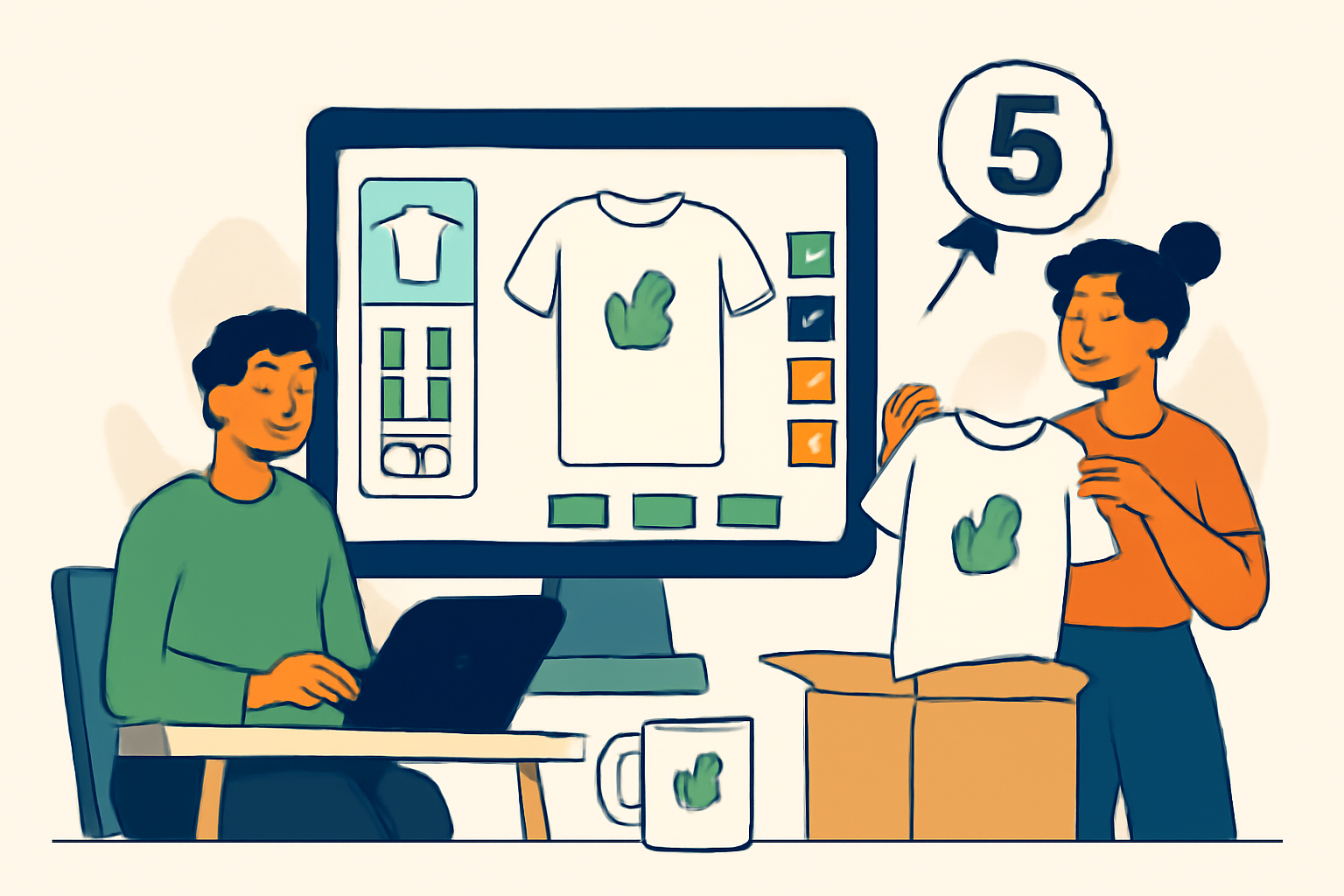
Creating custom products with Printify can be a game-changer for your online business, whether you're an aspiring entrepreneur or an established seller looking to diversify your offerings. With a user-friendly platform and a wide range of products, Printify makes it easy to turn your creative ideas into reality.
This guide will walk you through the straightforward process of creating custom products, from setting up your account to launching your first product. Let's dive into the steps you need to take to succeed!
Table of Contents

Step 1: Setting Up Your Printify Account
The first step in creating custom products with Printify is to set up your account. This is a quick and simple process that lays the foundation for your print on demand journey.
1.1 Create Your Account
Visit the Printify website and sign up for an account. You can choose to register using your email address or connect through your existing Shopify or Etsy account, which streamlines the process for those using these platforms. Make sure to choose a strong password to protect your account. branding with Printify.
After registering, you'll receive a confirmation email. Be sure to check your spam folder if it doesn't appear in your inbox. Clicking on the verification link in the email will activate your account. If you encounter any issues during registration, Printify's support team is available to assist you.
1.2 Explore the Printify Platform Overview
Once registered, take a moment to familiarize yourself with the Printify platform overview. Understanding the dashboard and features available will help you navigate more effectively as you create your custom products. Here are some key areas to explore:
- Dashboard: This is your main control center. Here, you can view your recent activity, sales statistics, and any notifications from Printify.
- Product Catalog: Browse through a wide range of products you can customize. Familiarize yourself with the types of items available, such as apparel, home decor, and accessories.
- My Store: Connect your online store to Printify. This is where you can manage your store settings and view your product listings.
- Order Management: Learn how to track orders, manage shipping settings, and handle customer inquiries. This section is crucial for ensuring timely fulfillment of orders.
To make the most of your Printify experience, consider creating a checklist of features you want to explore further. For instance, you might want to delve into the product mockup generator, which allows you to visualize your designs on various products. Additionally, check out the pricing plans to understand the costs associated with different products and shipping options.
Common mistakes to avoid during this phase include skipping the exploration of the dashboard and not connecting your store right away. Taking the time to understand the platform now will save you headaches later when you start creating and selling your products.
Step 2: Choosing Your Products
Now that your account is set up, it's time to choose the products you want to customize. Printify offers a wide range of products, from apparel to home decor. Selecting the right products is crucial for your success, as they will represent your brand and attract customers. So, let's dive deeper into how to make the best choices for your store.
2.1 Browse the Product Catalog
Go through the product catalog and select items that resonate with your brand. Consider what products are trending or what your target audience might love. Popular choices often include t-shirts, mugs, and phone cases. Here are some steps to help you effectively browse and select products:
- Filter by Category: Use the filtering options in the catalog to narrow down products by category. This will save you time and help you focus on the items most relevant to your niche.
- Check Product Quality: Look for products that have good reviews and high-quality images. This will give you an idea of what you can expect when your customers receive their orders.
- Order Samples: Before committing to a product, consider ordering samples. This allows you to assess the quality firsthand and see how your designs look on the actual product.
- Analyze Trends: Use tools like Google Trends or social media platforms to identify which products are currently popular. This can guide your choices and help you stay ahead of the competition.
2.2 Consider Your Niche
Think about how the products you choose align with your niche. If you're in the coaching business, for example, you might want to create custom products for coaches that reflect motivational quotes or coaching themes. Here are some practical tips to effectively align your product choices with your niche:
- Identify Your Audience: Understand who your target customers are. Create a customer persona that includes their age, interests, and purchasing behavior. This will help you select products that appeal to them.
- Research Competitors: Look at what similar businesses are offering. Take note of the products that are successful for them and think about how you can differentiate your offerings while still appealing to the same audience.
- Seasonal and Event-Based Products: Consider creating products that cater to specific events or seasons. For instance, if your niche is fitness coaching, think about offering gym bags or water bottles during the New Year when people are focused on resolutions.
- Test and Iterate: Start with a small selection of products to test the market. Monitor sales and customer feedback closely, and be prepared to adjust your offerings based on what works and what doesn't.
By focusing on these aspects, you can ensure that the products you choose not only represent your brand well but also meet the needs and desires of your target audience. Remember, the right product selection can significantly impact your sales and brand perception.
Step 3: Designing Your Custom Products
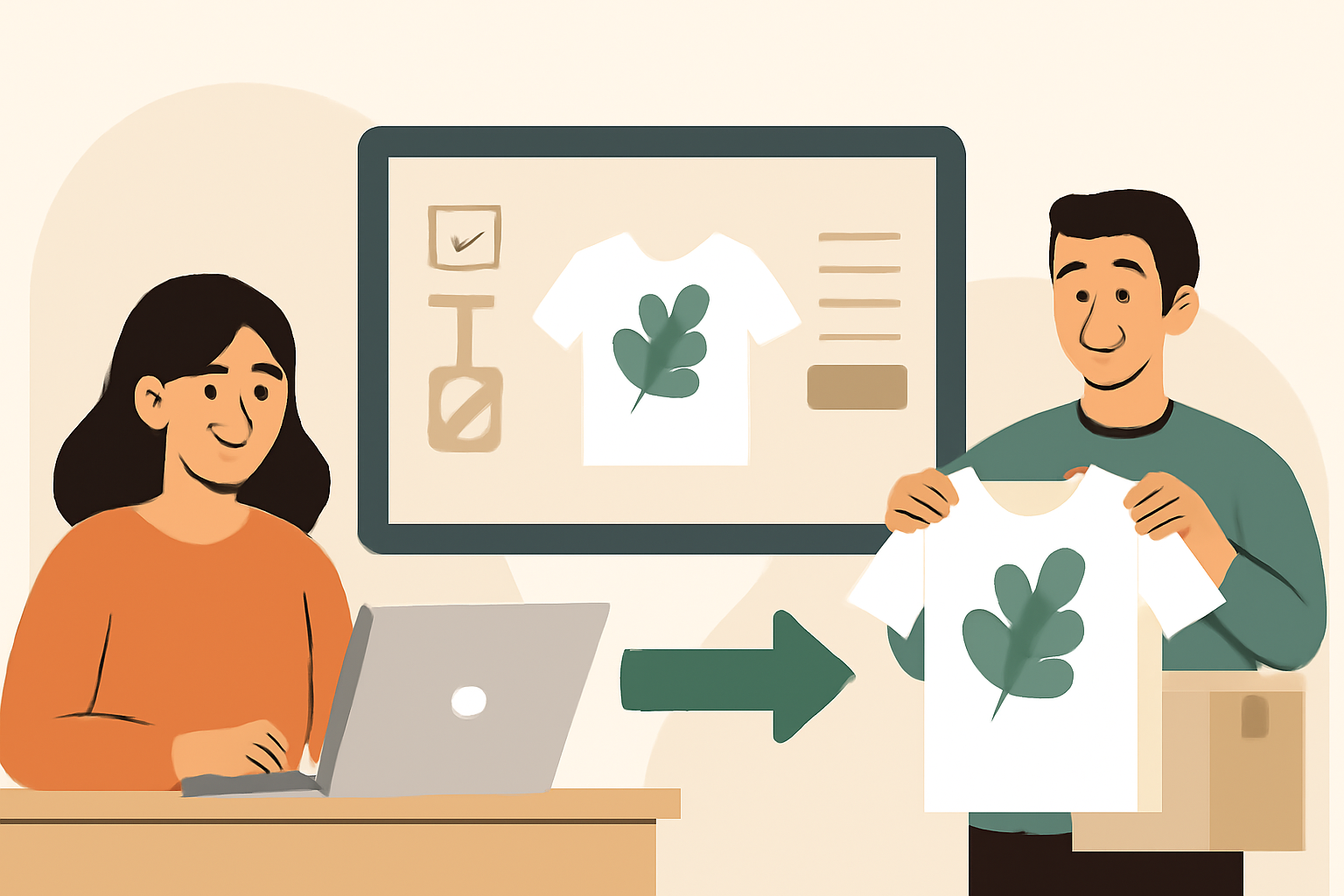
Once you've selected your products, it's time to unleash your creativity by designing custom products. This step is crucial as it directly impacts how your products will be perceived by your customers. A well-designed product can significantly boost sales, so let's dive into the details!
3.1 Use the Design Tool
Printify offers an easy-to-use design tool that allows you to upload your own images, logos, or graphics. Make sure your designs are high-quality and fit the product specifications to avoid any print issues. Here are some practical steps to guide you:
- Choose the Right Dimensions: Before uploading, check the recommended dimensions for each product type. For example, a t-shirt design might require different dimensions than a mug.
- Upload Your Design: Click on the upload button and select your image file. Ensure your image is in a supported format (like PNG or JPG) and has a transparent background if necessary.
- Position Your Design: Use the design tool to drag and position your image on the product. Pay attention to the placement; it should be visually appealing and centered unless you have a specific design in mind.
- Preview Your Product: Always use the preview feature to see how your design looks on the actual product. This step can help you identify any adjustments needed before finalizing.
Common mistakes to avoid include using low-resolution images, which can lead to blurry prints, and neglecting to check the color settings, as colors can appear differently in print than on screen.
3.2 Consider Shopify Personalized Products
If you're using a Shopify print on demand store, think about how you can incorporate personalization into your designs. Customers love items that feel unique and tailored to them. Here are some strategies to consider:
- Custom Text Options: Allow customers to add their names or special messages to the products. This can be done by providing a text box on the product page where they can enter their desired text.
- Choose from Predefined Designs: Offer a selection of designs that customers can personalize. For instance, you could have a series of templates for holidays or special occasions where they can add their touch.
- Color Choices: Let customers choose colors for specific elements of the design. This can make a simple product feel more custom and engaging.
Implementing these personalization options can lead to higher customer satisfaction and increased sales. Remember, the more unique the product feels to the customer, the more likely they are to make a purchase.
Step 4: Setting Up Your Store and Listings
Now that your products are designed, it's time to set up your store and create product listings. This step is crucial as it directly impacts how customers perceive your brand and ultimately influences your sales. A well-structured store with appealing product listings can significantly enhance your chances of making sales.
4.1 Integrating with Your E-commerce Platform
Link your Printify account to your e-commerce platform, whether it's Shopify, Etsy, or another service. This integration allows for seamless order processing and inventory management. Here's how to do it:
- Log into Printify: Access your Printify dashboard.
- Select Your Platform: Choose the e-commerce platform you want to integrate with from the integrations section.
- Follow the Prompts: Each platform has specific integration steps. Follow the on-screen instructions to authorize the connection.
- Test the Connection: Once integrated, place a test order to ensure everything is functioning correctly.
Common mistakes to avoid during integration include:
- Neglecting to verify the connection, which can lead to order fulfillment issues.
- Using incorrect API keys or login credentials, causing delays in setup.
- Overlooking the need to adjust shipping settings according to your platform's requirements.
4.2 Creating Etsy Custom Product Listings
If you're using Etsy, ensure your custom product listings are optimized with keywords that will attract customers. Take time to craft compelling product descriptions and titles to improve visibility. Here's a step-by-step process to create effective listings:
- Choose a Clear Title: Use relevant keywords that describe your product. For example, instead of "Coffee Mug," use "Personalized Ceramic Coffee Mug with Custom Name."
- Write a Detailed Description: Include all relevant information, such as size, material, and customization options. Be sure to highlight what makes your product unique.
- Select the Right Tags: Etsy allows you to add tags to your listings. Use all available tags to include various keywords that potential buyers might search for.
- Set Competitive Pricing: Research similar products on Etsy to determine a fair price. Consider your production costs and desired profit margin.
- Add High-Quality Images: Use clear, well-lit images that showcase your product from multiple angles. Consider lifestyle images to help customers envision using your product.
Here are some common pitfalls to avoid when creating your Etsy listings:
- Ignoring SEO: Failing to include relevant keywords can make your listings hard to find. Use tools like Google Keyword Planner to identify popular search terms.
- Inconsistent Branding: Ensure your store has a cohesive look and feel, including consistent use of colors, fonts, and imagery across all listings.
- Underestimating Shipping Costs: Be transparent about shipping fees and delivery times to avoid surprises for customers. Consider offering free shipping by incorporating the cost into your product price.
By carefully integrating your Printify account and creating optimized listings on Etsy, you set the stage for a successful online store that attracts and retains customers. Remember, the more effort you put into setting up your store, the better your chances of achieving sales success.
Step 5: Launching and Marketing Your Products
With everything set up, it's time to launch your products and start marketing them to your audience. This step is crucial for driving sales and establishing your brand presence in the competitive print on demand market. Here's how to effectively launch and market your custom products.
5.1 Utilize Social Media
Promote your new custom products through social media channels. Use eye-catching images and engaging captions to draw in potential customers. Consider running targeted ads to increase your reach. Here are some practical tactics to consider:
- Choose the Right Platforms: Identify where your target audience spends their time. For example, Instagram and Pinterest are great for visual products, while Facebook can help you reach a broader audience.
- Create a Content Calendar: Plan your posts in advance to maintain consistency. Include product launches, behind-the-scenes content, customer testimonials, and interactive polls to engage your audience.
- Engage with Your Audience: Respond to comments and messages promptly. Create a community by asking for feedback on your products or sharing user-generated content.
- Utilize Hashtags: Use relevant hashtags to increase the discoverability of your posts. Research trending hashtags in your niche and mix them with branded ones to create a unique identity.
- Run Contests or Giveaways: Encourage sharing and engagement by hosting contests where participants can win your products. This can help expand your reach and attract new followers.
5.2 Leverage Printify Seller Resources
Take advantage of the Printify seller resources available to help you market effectively. They offer tips and strategies that can aid in overcoming common print on demand challenges. Here's how to maximize these resources:
- Explore the Blog: Printify's blog is packed with insights on marketing, product trends, and success stories. Regularly check for new posts that can inspire your marketing strategies.
- Join the Community: Participate in Printify's community forums or social media groups. Networking with other sellers can provide valuable insights and support.
- Utilize Marketing Tools: Printify offers tools and integrations that can help you streamline your marketing efforts. For example, connect your store to email marketing services to automate campaigns.
- Attend Webinars: Look for educational webinars hosted by Printify that cover various aspects of selling and marketing. These can provide you with up-to-date information and strategies.
5.3 Email Marketing Strategies
Email marketing remains one of the most effective ways to reach your audience. Here are steps to create a successful email marketing campaign:
- Build Your List: Start collecting email addresses through your website, social media, or during checkout. Offer incentives like discounts or exclusive content to encourage sign-ups.
- Create Compelling Newsletters: Design visually appealing newsletters that highlight your new products, promotions, and engaging content. Keep your messaging clear and concise.
- Segment Your Audience: Divide your email list into segments based on customer behavior or preferences. This allows you to send targeted messages that resonate with specific groups.
- Track and Analyze: Use email marketing tools to track open rates, click-through rates, and conversions. Analyze this data to refine your strategies and improve future campaigns.
5.4 Collaborate with Influencers
Partnering with influencers in your niche can significantly boost your product visibility. Here's how to approach influencer collaborations:
- Identify Relevant Influencers: Look for influencers whose audience aligns with your target market. Check their engagement rates and authenticity to ensure they can effectively promote your products.
- Propose Mutually Beneficial Partnerships: Reach out with a clear proposal that outlines what you can offer in return for their promotion, such as free products, commissions, or exclusive discounts for their followers.
- Track Performance: After the collaboration, monitor the response to gauge its effectiveness. Use this data to refine future partnerships and marketing efforts.
5.5 Analyze and Optimize Your Marketing Efforts
Once your products are launched, continuously analyze the performance of your marketing strategies. Here's how to keep improving:
- Set Clear KPIs: Define key performance indicators such as sales numbers, website traffic, and social media engagement to measure your success.
- Gather Customer Feedback: Encourage customers to leave reviews and feedback on your products. Use this information to make improvements or adjust your marketing strategies.
- Test Different Approaches: Experiment with different marketing tactics, such as varying ad copy or trying new social media platforms. A/B testing can help you find what resonates best with your audience.
- Stay Updated: Keep an eye on industry trends and adapt your marketing strategies accordingly. The print on demand landscape is ever-evolving, and staying informed will give you a competitive edge.
By following these strategies for launching and marketing your products, you'll be well on your way to building a successful print on demand business. Remember, consistency and engagement are key to nurturing your audience and driving sales.
Conclusion: Take Your First Step Today
Now that you have a step-by-step guide for creating custom products with Printify, it's time to put your plan into action. Start by setting up your account and exploring the product catalog. Remember, each product you create is a step towards building your brand and connecting with your audience. Let your creativity shine and start selling your unique creations today!
To help you take that first step, here's a practical checklist to guide you through the initial phase of your Printify journey:
- Sign Up for Printify: Go to the Printify website and create an account. Ensure you use a valid email address to receive important updates.
- Explore the Product Catalog: Spend some time browsing through the variety of products available. Take notes on which items resonate with your brand style.
- Choose Your Niche: Identify a specific niche or theme for your products. This can help you target your marketing efforts more effectively.
- Create Your First Product: Use the design tools available in Printify to create your first custom product. Remember to keep your audience in mind while designing.
- Set Pricing: Research similar products to determine a competitive price point. Factor in production costs and desired profit margins.
- Prepare Your Store: If you haven't already, set up your online store on platforms like Shopify, Etsy, or WooCommerce. Ensure your store reflects your brand identity.
- Launch Your Product: Once everything looks good, launch your product! Promote it through your social media channels and other marketing avenues.
As you embark on this creative journey, keep in mind some common mistakes to avoid:
- Neglecting Market Research: Before diving in, ensure you understand your target audience and what they are looking for in custom products.
- Overlooking Quality Control: Always order samples of your products to check the quality before offering them to customers.
- Ignoring Feedback: Listen to customer feedback and be willing to adjust your designs or offerings based on their preferences.
- Underestimating Marketing Efforts: Simply creating products is not enough. Invest time in marketing your creations to reach a wider audience.
Remember, the journey of creating custom products is filled with learning opportunities. Don't be afraid to experiment and iterate on your designs. Each product you create is a chance to connect with your audience and express your creativity. So, go ahead, take that first step today, and watch your ideas come to life!
Enjoying This Article? Join The Free POD Community. Connect with other print-on-demand sellers, ask questions, and keep learning inside the Print On Demand Coach community.
Learn More